Questions, answered.
Straight answers about selling, stock, staff, the desktop till, add-ons and billing.
Getting started
How do I sign up?
Download Storeflow on your iPhone or Android phone and create your shop there — it takes about 15 minutes. There is no web sign-up. After that you can log in on Storeflow Desktop, or link a counter computer as a till with a code from your phone.
What do I need to start?
Just a phone. The camera scans barcodes and receipts go out on WhatsApp. A barcode scanner, receipt printer, cash drawer or a computer are optional extras you can add later.
How do I add my products quickly?
Scan each item and type its price, pick from our list of common Nigerian products, or import an Excel sheet. Most shops add their first 100 products in under an hour.
What kind of shops is Storeflow for?
Provision stores, mini-marts, supermarkets, drinks and beverage depots, cosmetics shops and other shops that sell packaged goods. If you sell by the carton, pack and piece, Storeflow was made for you.
Is there a setup fee?
No. There is no setup fee and no contract. Start on the Free plan and upgrade only when you need staff accounts or the desktop till.
Selling and payments
Does Storeflow take my customers’ money?
No. Storeflow records how each customer paid — cash, bank transfer, card on your own POS terminal, or a mix. The money goes straight to you, never through Storeflow.
Which payments can I record?
Cash (with change worked out for you), bank transfer, card on your POS terminal, and split payments across all three. Credit sales are available with the Credit book add-on.
Can I give discounts?
Yes. Give a naira or percentage discount on one item or the whole sale. You decide how much each role can give before a supervisor or owner has to approve.
Can customers get receipts on WhatsApp?
Yes. Send receipts on WhatsApp or SMS, share a PDF, or print on a Bluetooth, Wi-Fi or USB receipt printer.
How do refunds work?
Find the sale, choose the items being returned and the reason. Stock goes back on the shelf and your reports update. Only roles you allow can refund.
Stock and suppliers
Can I sell by carton, pack and piece?
Yes. Set how many pieces are in a pack and a carton, give each its own price, and Storeflow keeps the stock right whichever way you sell.
Will Storeflow tell me when stock is low?
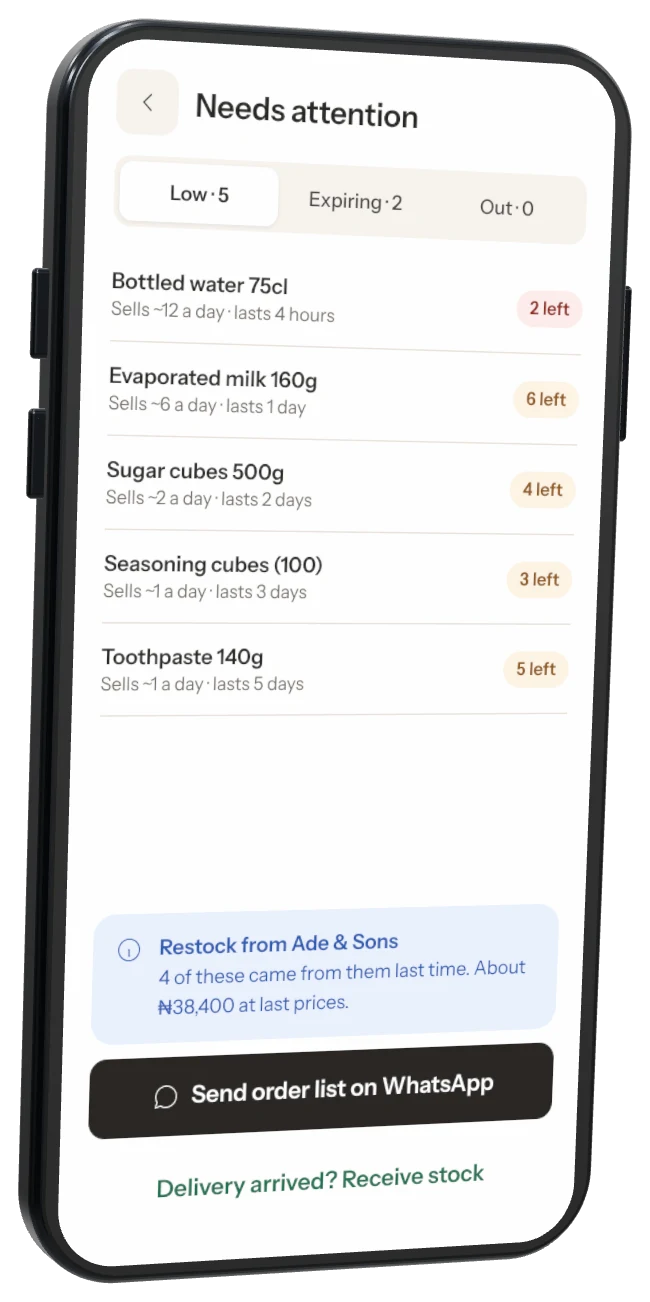
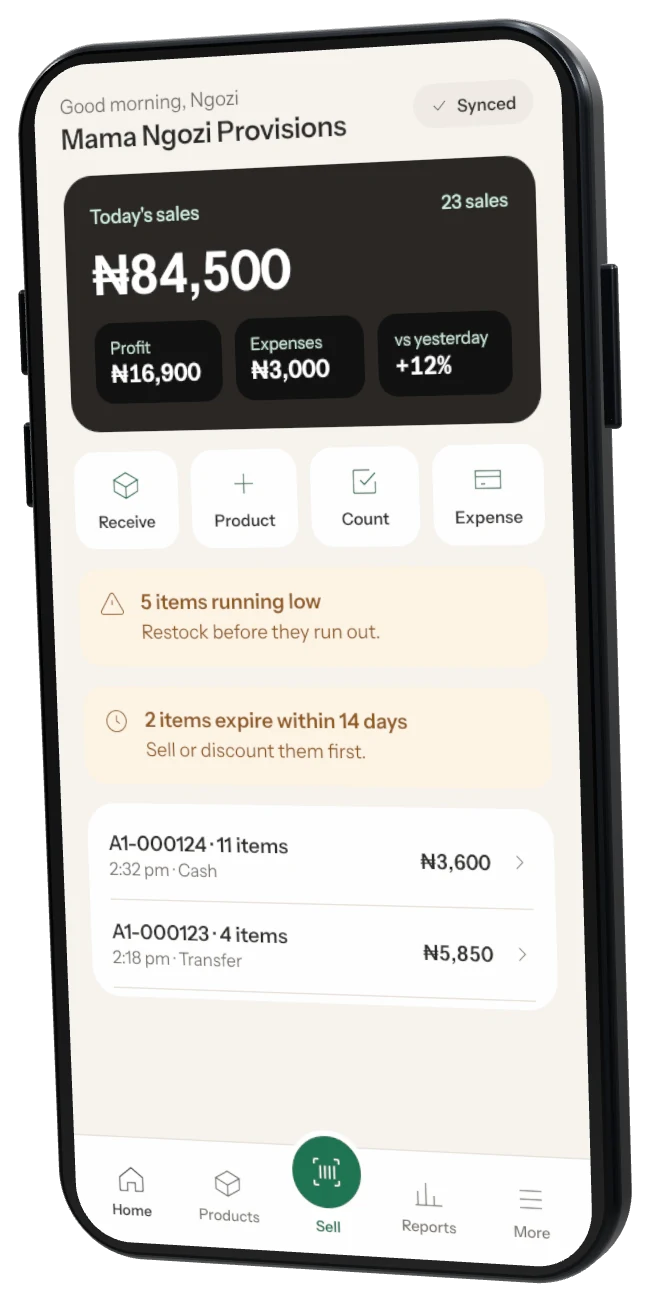
Yes. Set a reorder level for each product and get a morning summary of what is running low, plus a push notification when something sells out.
How do stock counts work?
Count shelf by shelf on your phone or the desktop. Storeflow shows the difference against what it expected and the value of any loss in naira before you apply it.
Can I send orders to my suppliers?
Yes. Make a purchase order, send it on WhatsApp, then receive the delivery against it. Prices and costs update as you receive.
Can I track expiry dates?
Yes, with the Expiry dates add-on. Record batches as you receive them and get told before stock goes bad.
Offline and sync
Does Storeflow work without internet?
Yes. Selling, stock counts and receiving deliveries all work offline. Sales are saved on the phone or computer and sync by themselves when the connection is back.
How long can a till stay offline?
Storeflow Desktop can sell offline for up to 30 days. After that it needs to connect once so your numbers stay correct.
Can several phones and tills sell at the same time?
Yes. Every phone and till shares one stock count. If two people change the same price while offline, Storeflow keeps the newest one and tells you.
What if a phone is lost or stolen?
Sign it out from your phone app straight away. Sales that already synced are safe. Staff on that phone need their PIN to open Storeflow anyway.
Staff and security
Can my staff use it without seeing my profit?
Yes. Each person gets a role and their own 4-digit PIN. Only the roles you choose can see cost prices, profit or reports.
Which roles are there?
Owner, Manager, Supervisor, Cashier and Accountant are ready to use, and you can make your own roles with exactly the permissions you want.
How many staff can I add?
Free is just you. Starter includes 3 staff. Business has unlimited staff. See Pricing for details.
Is my shop’s data safe?
Your data is encrypted on the device and when it travels, and backed up every day. Nobody at Storeflow can see your shop’s data unless you ask us to help.
Storeflow Desktop
Which computers does Storeflow Desktop run on?
Windows 10 and 11 (64-bit) and recent versions of macOS. It runs well on an ordinary counter computer or a mini PC.
What hardware does it work with?
USB and network barcode scanners, 58 mm and 80 mm receipt printers, cash drawers, label printers, customer displays and supported weighing scales.
Can customers see their items and total?
Yes. Plug a second screen into the till and turn on Customer display. Customers see each item as it’s scanned, the total, your transfer account and their change.
Can customers check prices themselves?
Yes. Price checker mode turns any computer with a screen and scanner into a scan-to-check-price point on the shop floor.
Which plan do I need for Desktop?
Storeflow Desktop is part of the Business plan, including the Customer display and Price checker add-ons.
Plans and billing
Is there really a free plan?
Yes. Free covers up to 100 products for the owner, with no time limit.
How do I pay?
Upgrade in the phone app and pay securely with Paystack — card, bank transfer or USSD. Monthly or yearly.
Can I try a paid plan first?
Yes. Starter comes with a 14-day free trial, and most paid add-ons have one too.
What happens if I stop paying?
You move to the Free plan. Your products, sales and reports are kept, and selling keeps working.
Add-ons
What are add-ons?
Extra tools you can turn on when your shop needs them — like Loyalty & rewards, Credit book or Weighing scale. Your plan covers the core; add-ons cover the rest.
How do I add one?
Open Settings → Add-ons in the app or on Storeflow Desktop. Only the owner can add or remove add-ons.
How are add-ons billed?
Paid add-ons are added to your plan bill after any free trial. Some are included in Business at no extra cost.
What happens if I turn an add-on off?
It stops straight away and its data is kept for 90 days, so you can turn it back on without losing anything.
Data and privacy
Who owns my shop’s data?
You do. Export your products, sales and customers to Excel any time.
Can I delete my account?
Yes, from Settings in the phone app. We delete your shop’s data within 30 days, except records the law says we must keep.
Do you follow Nigerian data protection law?
Yes. We handle personal data in line with the Nigeria Data Protection Act 2023. Read our privacy policy for details.
Stop guessing.
Start growing.
Download Storeflow free and make your first sale today. Free for up to 100 products — no card needed.