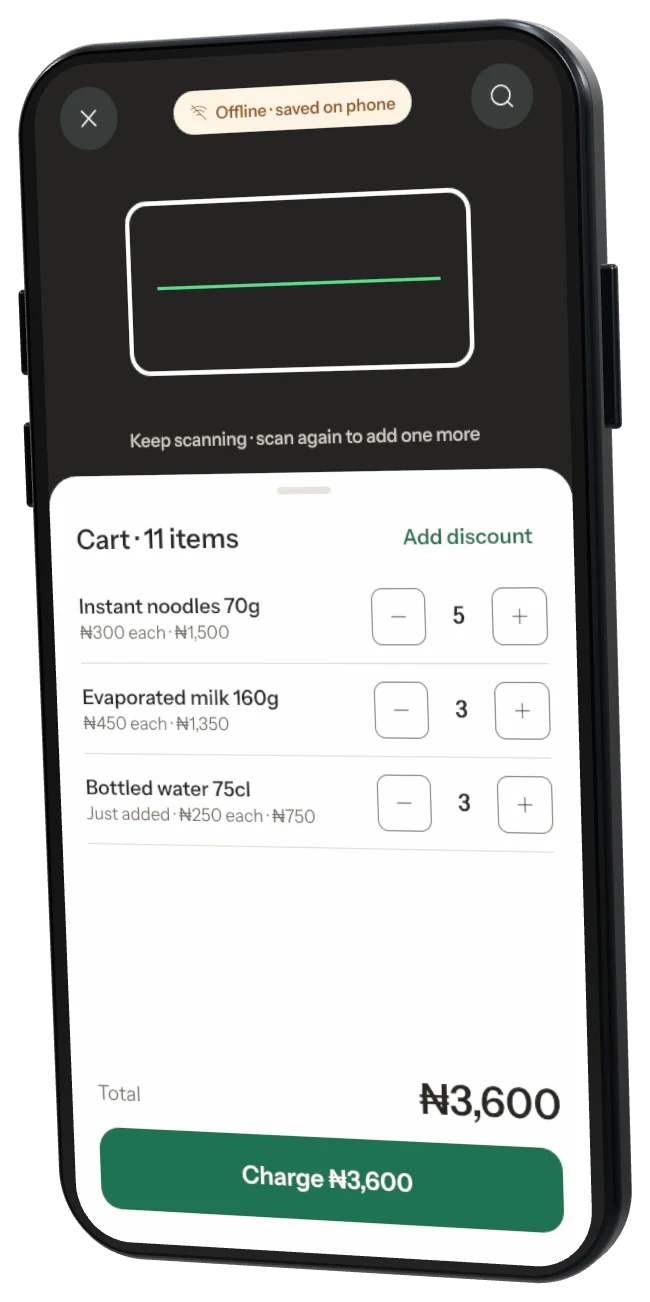
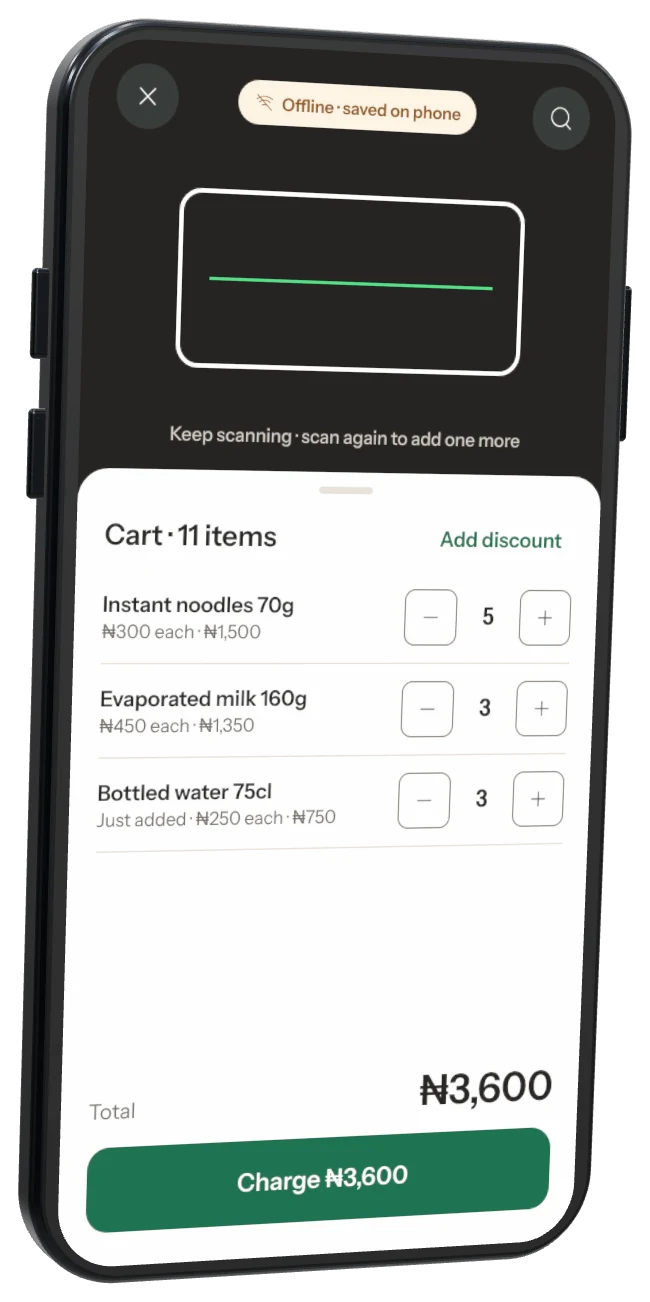
Phone app
For iPhone and Android. Sign up here first — this is where your shop is created.
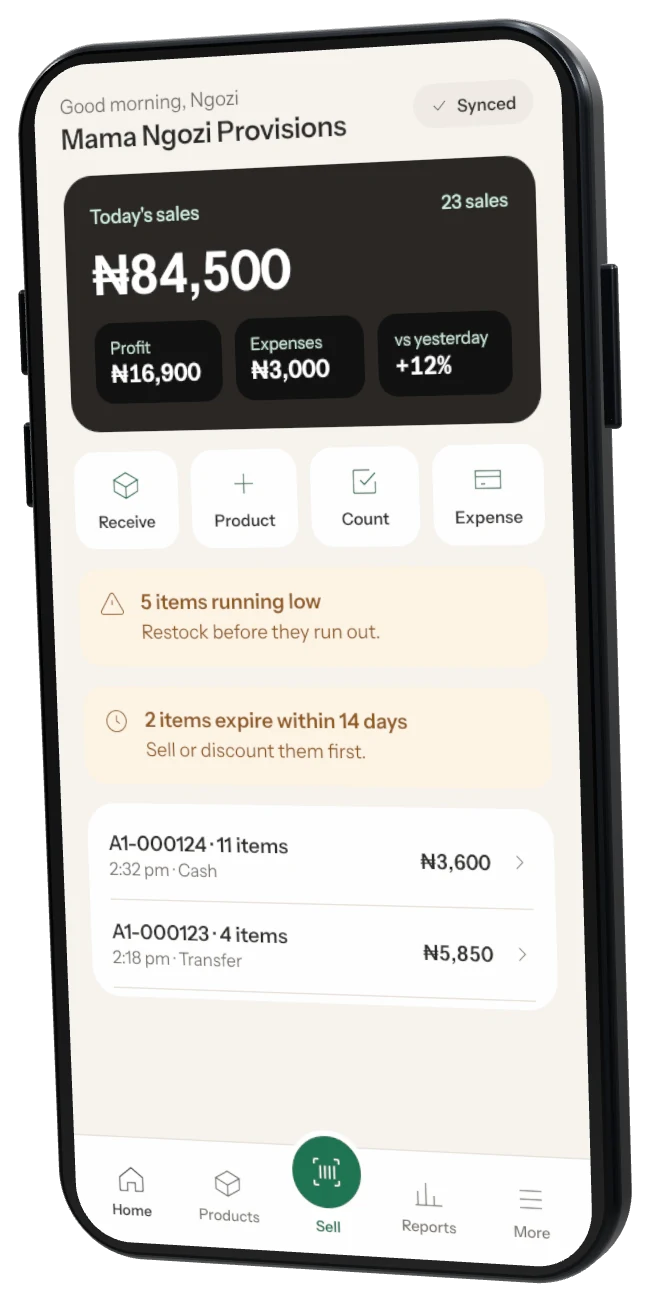
Start on your phone. Add a counter computer whenever you’re ready.
For iPhone and Android. Sign up here first — this is where your shop is created.
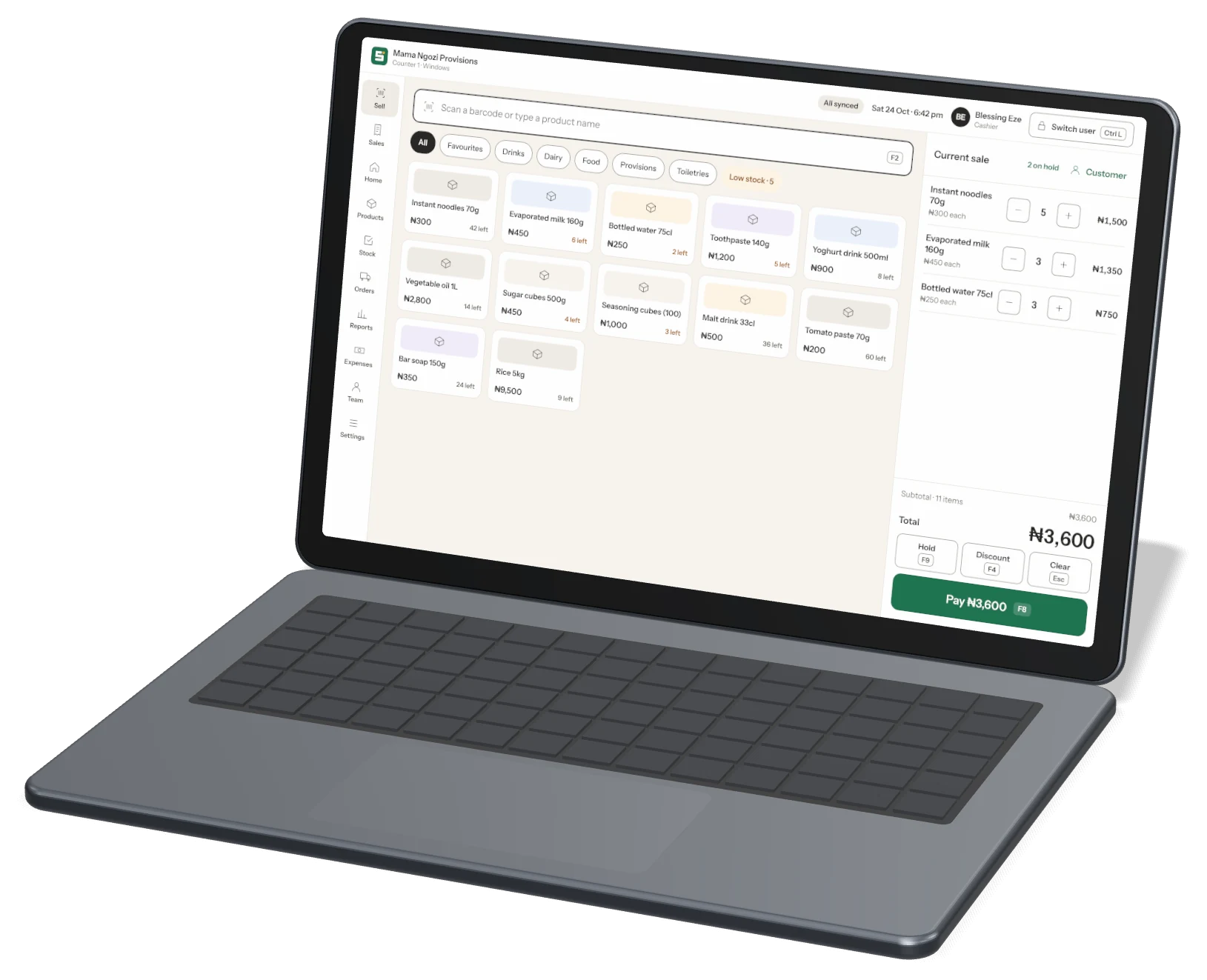
For Windows and Mac. Log in with your owner account or link a till with a code from your phone. Included in Business.
Get Storeflow from the App Store or Google Play. Add your shop name and city — a short tour shows you around.
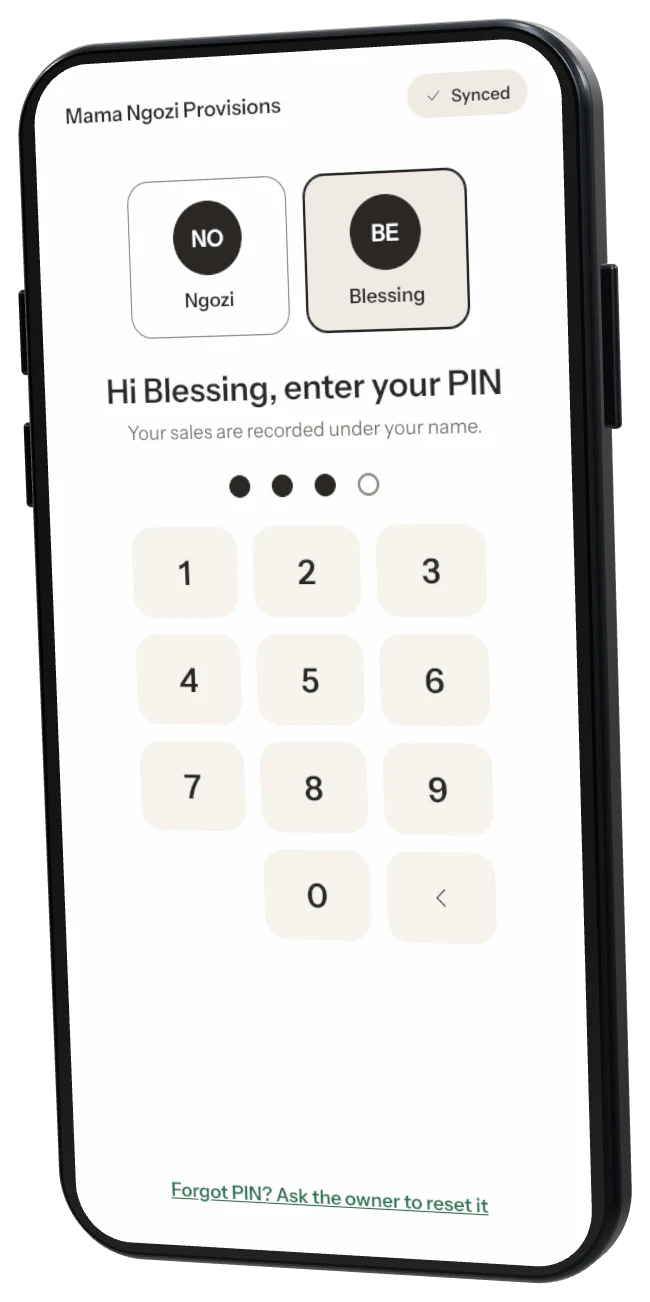
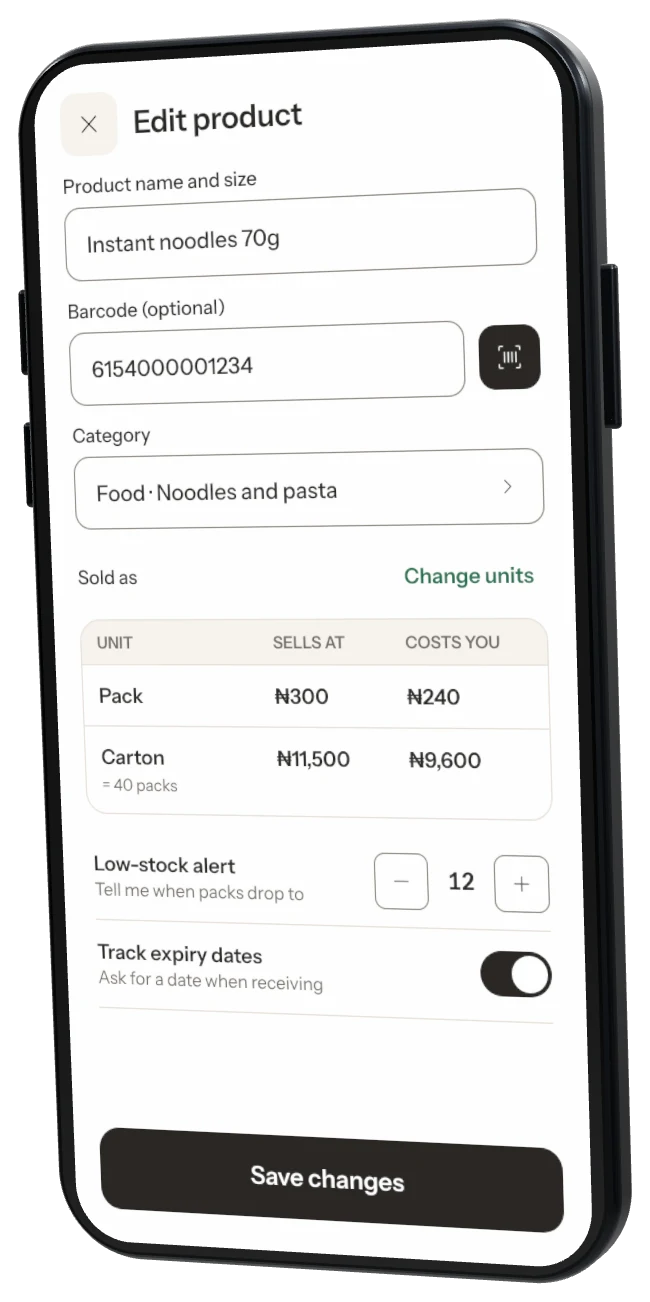
Scan each product once and enter its price and stock. Common products fill in their name by themselves.
Scan, take payment, send the receipt. Sales, stock and profit update with every sale.